PawsPet

PawsPet Business for breeders

Dog and cat breeder software: records, documents and listings

PawsPet Business is dog and cat breeder software: a record for every puppy with pedigree and passport in PawsPet, same account, and in Business the Breeder verification dossier that unlocks selling. Anonymous requests, payment through the platform, a handover both sides confirm. One honest limit: you sell only once the dossier is approved, and sale listings live in the PawsPet app, not on the website.

Continue in PawsPet Business
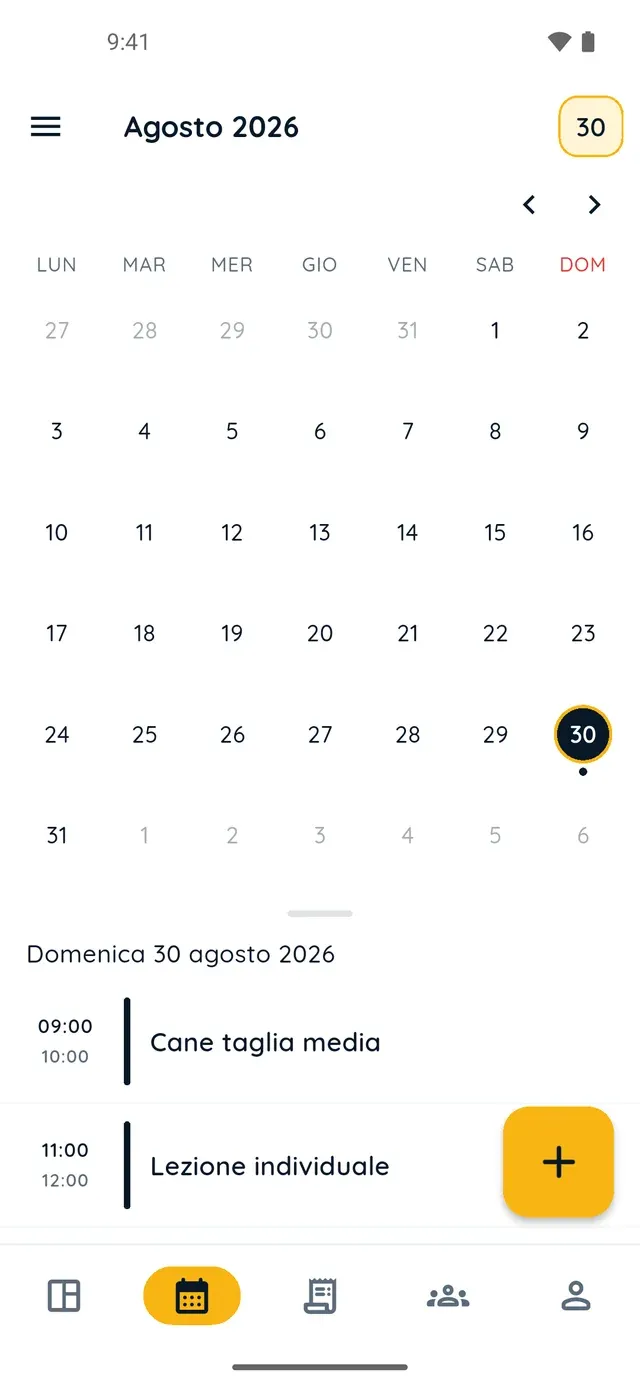
Monthly calendar in PawsPet Business

PawsPet Business

Why it helps

A record for every puppy, with pedigree and passport

In PawsPet, with the same account, you create a record for each puppy: breed, microchip, date of birth, photos. Under Documents you add pedigree, passport and certificates with number, issuer and expiry date. With many animals, search and the A-Z index help.

Selling unlocks with the Breeder verification

From PawsPet Business you send the Authorised breeder dossier: registration number, health authority code, registered operator number and at least one document. Until PawsPet approves it you can publish free adoptions only: the Sale option stays disabled.

A listing with documents and a health declaration

The listing starts from the puppy's record: microchip and date of birth are copied when you publish. Add the pedigree, passport and the health declaration. Anyone viewing it sees only the last four digits of the microchip and an approximate location.

Anonymous requests, payment held, tracked handover

Whoever wants the puppy writes to you from the listing with no name or contact details, just a message about who they are and the home they offer; you talk in the linked chat. You accept one request and PawsPet holds the payment until both confirm handover.

Breeders

What it means for your day.

  1. Create the records in PawsPet, send the dossier from PawsPet Business

    In PawsPet, Pets tab, tap + for each puppy and add pedigree and passport under Documents. In PawsPet Business create your profile with the Breeder category, complete Stripe verification, then go to Profile, Verification, Breeder verification, Fill in the dossier and Submit for review.

  2. Publish the sale listing from the puppy's record

    Once the dossier is approved, in My animal listings tap New listing: choose Sale, publish as your business, select the puppy, write a title and a price. Fill in documents and the health declaration, tick the truthfulness declaration and tap Publish or Save draft.

  3. Choose the family, get paid and close the ownership transfer

    In Requests received filter To decide, open the chat and tap Accept the request: the other ones close and PawsPet collects the payment. Tap Propose a date, then in Ownership transfer you each tick the checklist and tap Confirm the hand-over: the animal moves to the new owner.

Breeders

Frequently asked questions

How much does the PawsPet Business dog and cat breeder software cost?

No subscription and no monthly fee: records, documents, business profile, breeder verification and listings are free. PawsPet keeps a fee only on what is paid in the app. A puppy's payment goes through the platform: it is held until both sides confirm the handover and released at the end of the protection window, unless a dispute is open.

How do I sell a puppy online as a verified breeder?

You first need an approved Breeder verification: in PawsPet Business go to Profile, Verification, Breeder verification, Fill in the dossier, choose Authorised breeder and attach your documents. Once the status is Approved, the Sale option becomes available in a new listing. A private owner can only offer an animal for free adoption.

What does the breeder verification ask for, and who sees my documents?

The dossier asks for the type of business, registration number, health authority code, registered operator number, authorised species and at least one document: registration certificate, health authorisation, ID of the legal representative. Only you and the PawsPet reviewer can see them; if it is rejected, you correct it and send it again.

Where does the listing appear, what do buyers see, and how do requests reach me?

In the Animals catalogue of the PawsPet app, under the Sale filter: the website lists adoptions only. Whoever opens the listing sees photos, the health declaration, the last four digits of the microchip, an approximate location and the seller type Authorised breeder, with a note on warranty and withdrawal rights. Requests arrive with no name or contacts.

I manage several litters: can I publish many listings and pause them?

Yes. Each listing is tied to one animal, fixed when you create it: you create one per puppy from My animal listings. From a listing you can tap Pause and then Publish again, or Withdraw listing, which is final. Under Sales, Requests received you see the requests for all your listings, grouped by listing, with the To decide filter.

PawsPet Business

Bring your kennel or cattery to PawsPet Business

Download the app, create your profile with the Breeder category and send the Breeder verification dossier. Your puppies' records stay in PawsPet. No subscription: a fee only on orders paid in the app.

Download PawsPet Business

Coming soon onApp StoreDownload onGoogle Play

On the other side

PawsPet

A profile for every pet, their history always at hand and professionals to find whenever you need them.

PawsPet Business for iOS is coming soon to the App Store. App screenshots with demonstration or test data.