How do I register a client who does not have the app?+
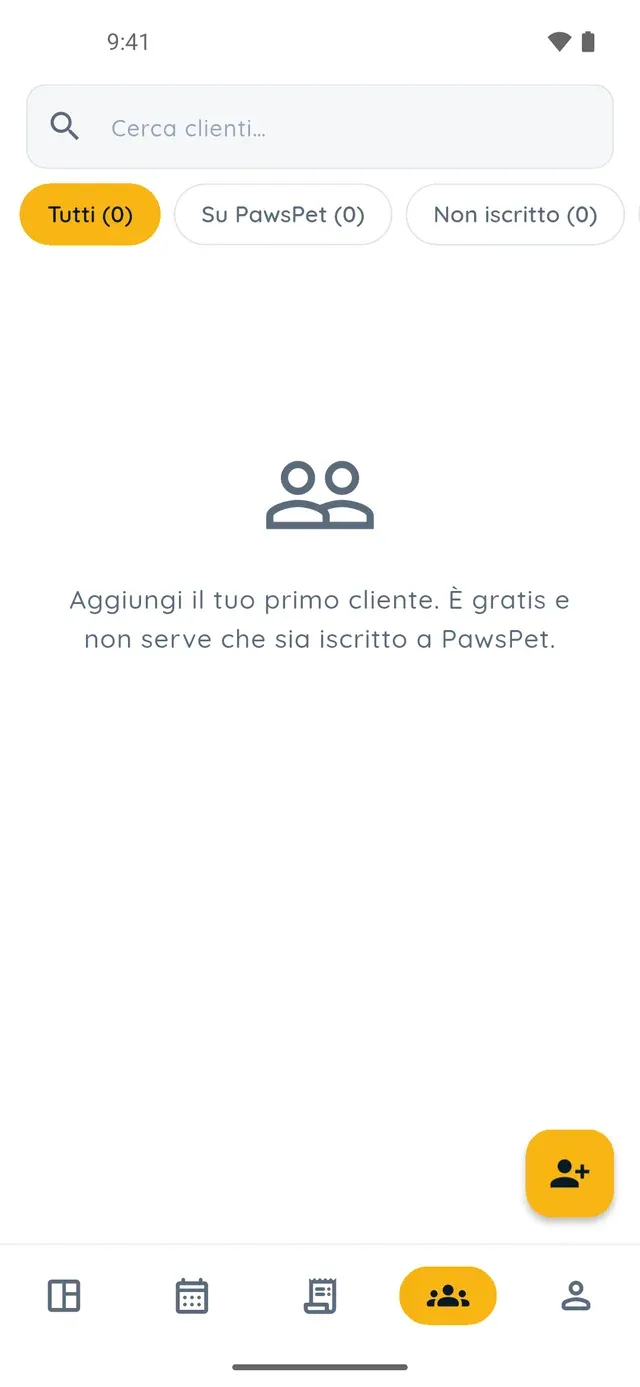
In the «Clients» tab of PawsPet Business tap «+», type the name (email and phone are optional), tick the box confirming you have informed them that you are recording their data, and save. The client does not need a PawsPet account and receives no message: the record stays in your client management app until you invite them.
How do I connect a client to my app with an invitation?+
Open their record and tap «Invite»: the app generates a link inside a pre-written message you can change, and with «Share» you send it by WhatsApp, SMS or email from your phone. There is no QR code, and the app never sends the invitation on its own. If the client does not open it, use «Resend invitation» or «Revoke invitation» from the record.
What does the client see when they accept the invitation?+
In their PawsPet app they see your business name and, for each pet, choose «Link», «Create new» or «Skip». A checkbox, off by default, decides whether to give you access to the pet's health record. After «Accept», what you already recorded appears in their pet's profile under «Recorded by professionals»: type, name, date, expiry and a text note, no photos.
What happens if I unlink a client, or they delete their account?+
Nothing is lost. With «Unlink from PawsPet» in the record's ⋮ menu you only lose the connection to their account: the record goes back to «Not registered» and pets, history, appointments and orders stay where they are. The same applies if the client revokes the link from their app or deletes their account: the record shows a notice and stays editable.
Is the client management app in PawsPet Business free? Can I delete a client?+
Yes, it is free: PawsPet Business has no subscription, and the client list, pet records and invitations cost nothing. PawsPet keeps a fee only on orders that clients pay in the app. A client cannot be permanently deleted: from the ⋮ menu you archive them, they leave the list and you find them under «Archived» with a «Restore» button.