Does the digital pet profile app replace official microchip registration or the health booklet?+
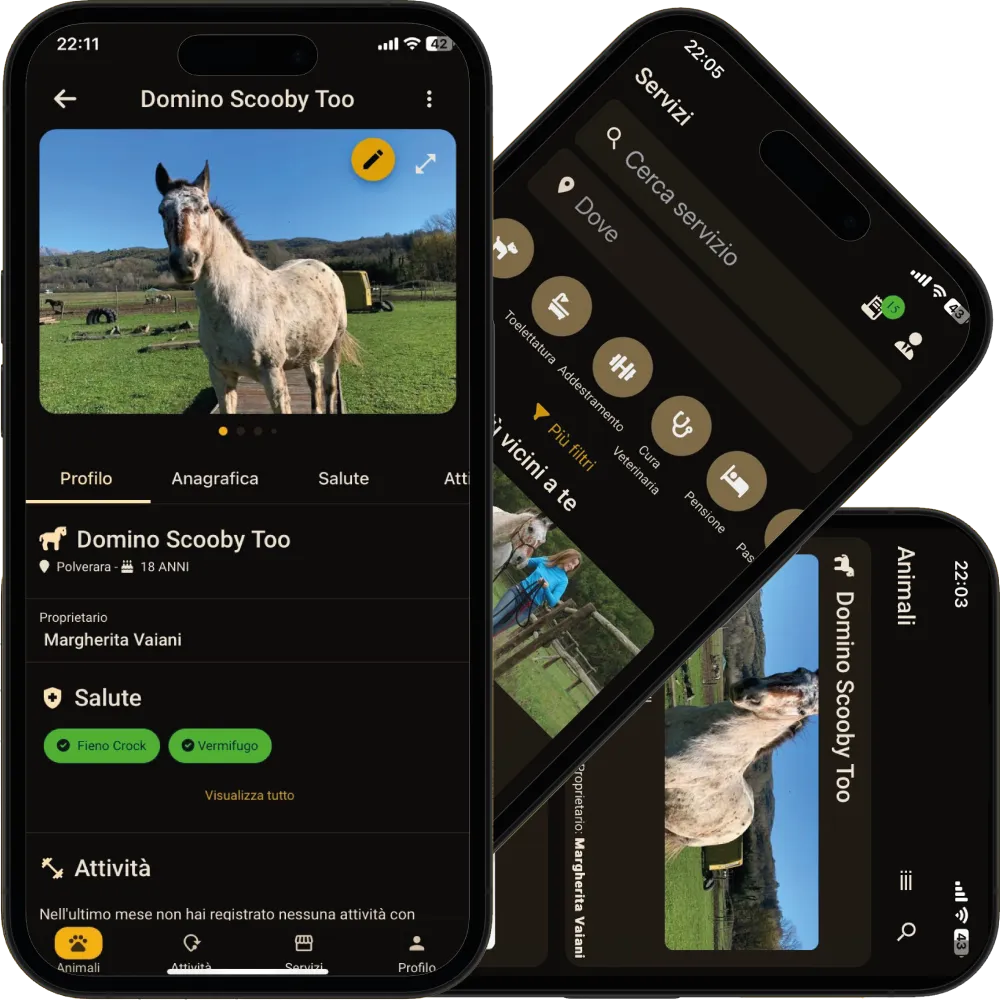
No. The profile is your personal record: the microchip registration stays with the official database, and the health booklet or passport remain the official documents. On PawsPet you note the numbers to have them with you, and you can upload photos or PDFs of the documents in the Documents strip of the Anagraphic tab.
Can I manage several pets, even of different species?+
Yes. Each pet has its own profile and the Pets list shows them all, as a list or a grid, with search by name, species, breed, colour or place and an alphabetical index for long lists. The available species range from dog to fish, with Other for anything missing.
Is the microchip number required?+
No, it is optional, like the health booklet and the stable number. If it is missing, the Recommended strip reminds you for dogs, cats, horses, ponies, donkeys and rabbits. Once entered, you copy it with one tap from the Anagraphic tab.
How does breed recognition from the photo work?+
If you upload a photo in the first step, the Species step shows a suggestion like it looks like a Labrador dog, with a confidence level in words. Species and breed are pre-selected, but you can change them or pick one of the other guesses. It needs a connection, AI features switched on (Profile, then AI Features) and a recognition quota that is not used up.
Can I add a pet without a photo or without a connection?+
Yes. In the first step tap Skip the photo and carry on: you can add one later from the profile with Edit images. Without a network the profile is saved anyway and sent as soon as you are back online, without blocking the app.