How do I upload my dog's passport and documents in the PawsPet app?+
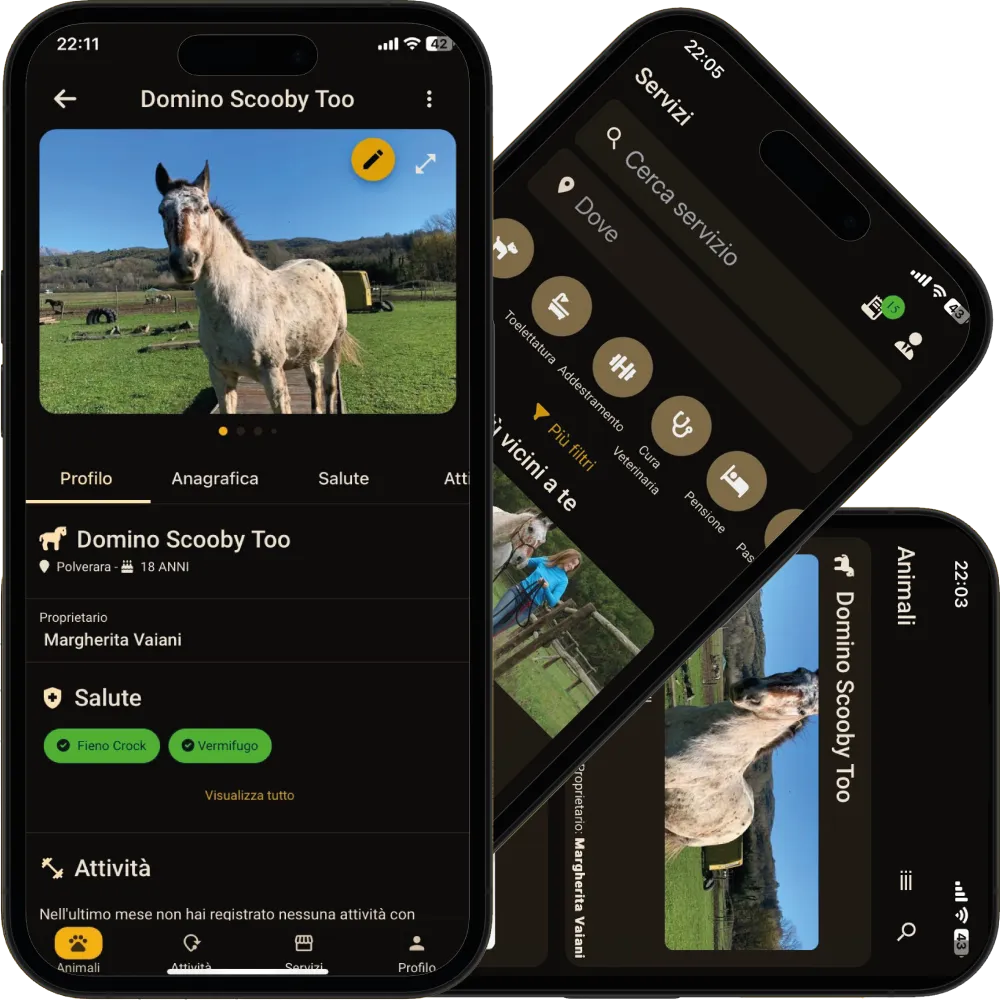
Open the pet » «Anagraphic» tab » «Documents» strip » dashed «Add passport» card, or «See all» » + «Add document» for the other types. If you have just created the pet, the last step of the wizard asks right away whether you have documents to upload. It works the same way for cats, horses and every other animal.
How do I set a reminder for my pet passport expiry date?+
In the document form, set the «Expiry date» first: the reminders appear below it, one or more intervals of days in advance. You get a push notification on your phone and, when you tap it, that document's page opens. Notifications must be enabled for PawsPet in your phone settings.
Can the dog sitter or a family member see my pet's documents?+
No. Today documents and the passport are visible only to the pet's owner: an invited collaborator does not see the «Documents» strip, whatever permissions you grant, and the public profile page shared by link does not show them. If your vet or pet sitter needs one, show it from your phone or send the scan in the order chat.
Does the app read the number and expiry date from the passport scan?+
No: there is no automatic text recognition. You type the number, issuer, dates and notes in the form; the scan stays as an attachment you can open and zoom in the app whenever you need it. Keep in mind that the copy in the app does not replace the original: when you travel, take the paper passport with you.
Can I also store the pedigree, insurance and microchip certificate?+
Yes. There are nine types: Passport, Health booklet, Certificate, Award, Insurance, Pedigree, Adoption, Microchip registration and Other. Each pet can have only one passport; of the other types, as many as you like. Test results, instead, are recorded in the Health tab, not among the documents.