How do I rehome a dog with the PawsPet app?+
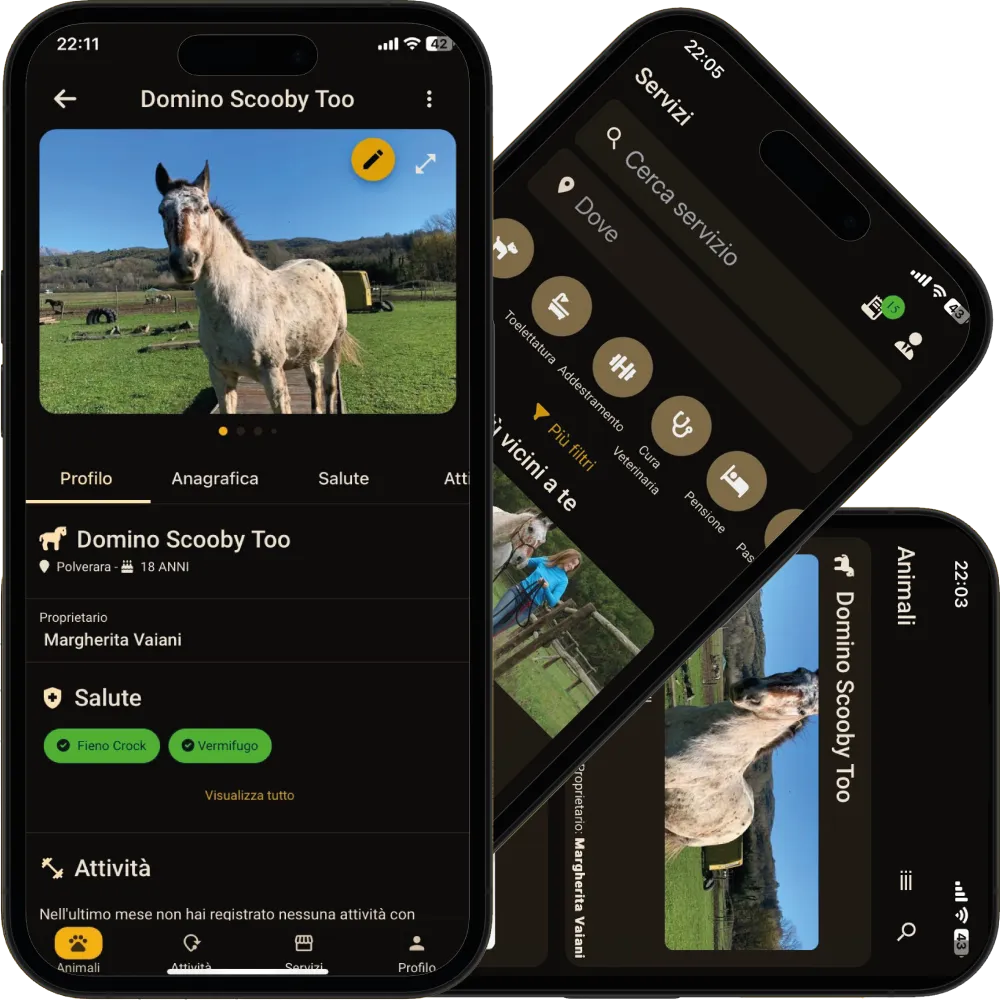
From the dog's profile tap the three-dot menu and then «Offer for adoption»: the animal is already selected. Fill in title, documents and health declaration, tick the truthfulness declaration and tap «Publish». The app checks microchip and minimum age and tells you if anything is missing. You find the listing under «My animal listings» in the Profile tab.
Is it free to rehome a dog or cat with PawsPet?+
Yes. For a private owner the listing price is locked at free and no money goes through the app; there is no subscription either. Selling animals is not possible in PawsPet: it is reserved to businesses publishing from PawsPet Business after a breeder verification approved by PawsPet.
Who sees my listing and how do requests reach me?+
Your listing appears in the adoptions section of the PawsPet website and is seen by whoever gets the link to its page. Requests arrive in the app, under «My animal listings» and then «Requests received»: you read the message without the sender's name, email or phone number and, to know more, open the linked chat. Nobody else sees how many requests you got.
How does the ownership transfer work after the adoption?+
In «Ownership transfer» the screen is the same for both sides: the pet's details frozen, the full microchip number visible only to the two of you, the handover date and a checklist each. When you both tap «Confirm the hand-over», the animal is registered to the new owner with its health history; you keep a read-only copy for 90 days.
We are a shelter or a rescue association: can we publish in the organisation's name?+
Yes, with a PawsPet Business profile: in the listing, pick the organisation under «Publishing as». For verified status, open the «Profile» tab, then «Verification» » «Breeder verification» » «Fill in the dossier»; choose «Shelter» or «Association» and attach a document. In the organisation's listings the price becomes an optional contribution.